First Login
Log in to your Glambook account and get familiar with the app.
Login to Glambook
admin.glambook.lk/login
Steps
- Open the link above or go to admin.glambook.lk
- Enter your email/username and password
- Click Login
- You'll be taken to the Dashboard
Google Sign-In
You can also sign in using your Google account:
- Click Sign in with Google on the login screen
- Select your Google account or enter your Google credentials
- You'll be automatically logged in and redirected to the Dashboard
First-Time Experience
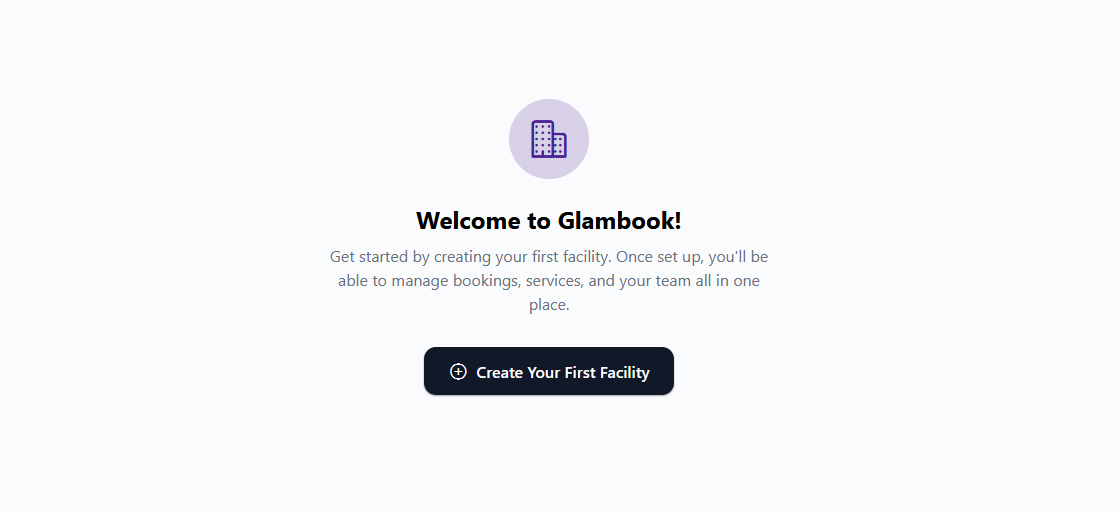
When you log in for the first time, you won't have any salons set up yet. The app will prompt you to create your first salon.
note
Until you create at least one salon, you'll only be able to access the Profile section.
What's Next?
Head to Creating a Salon to set up your first salon, or follow the Quick Start Guide for a complete walkthrough.