Editing Salon Details
Update your salon's information, photos, and amenities at any time.
Steps
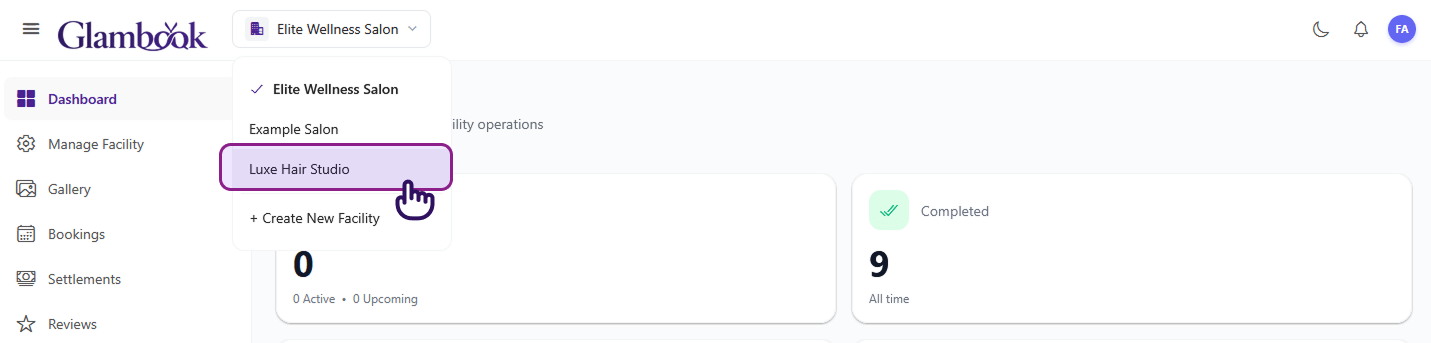
- Click the salon dropdown in the top navigation bar
- Select the salon you want to edit from the list
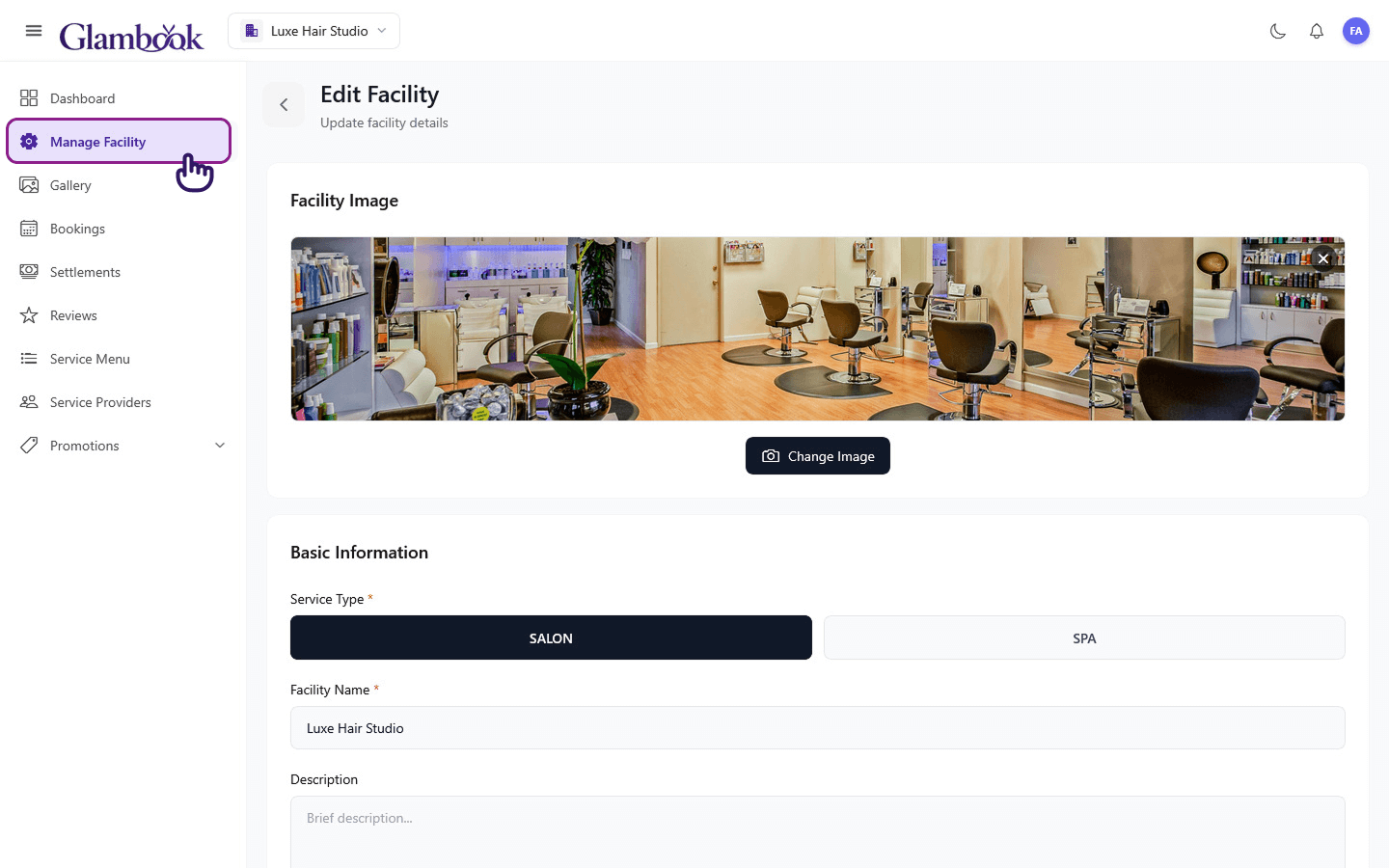
- Click Manage Facility in the sidebar
- Update the fields you want to change
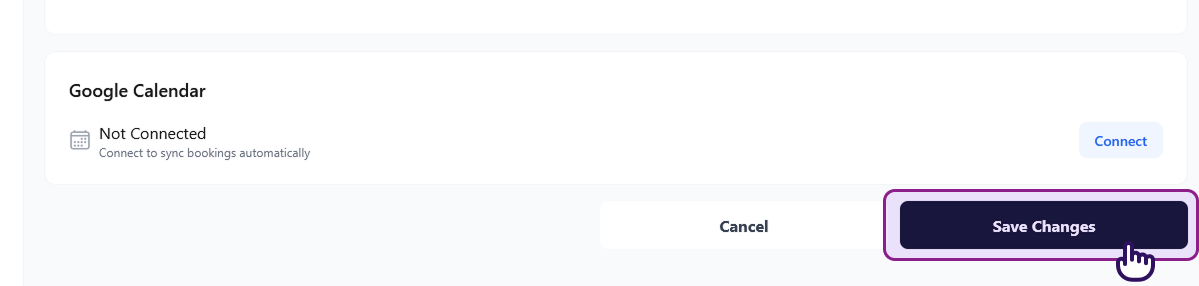
- Click Save to apply your changes
What You Can Edit
| Field | Notes |
|---|---|
| Name | Your salon's display name |
| Location | Business address |
| Phone Number | Contact number shown to clients |
| Business email | |
| Description | About your salon |
| Images | Add new photos or remove existing ones |
| Service Type | Salon or Spa |
| Amenities | Add or remove amenities |
Managing Photos
- Add photos: Tap the image upload area to add new salon photos
- Remove photos: Tap the delete icon on an existing photo to remove it
- Photos are displayed as a slider on your salon's profile
tip
High-quality photos of your salon interior, workstations, and finished work help attract more clients.